How retailers build a discount
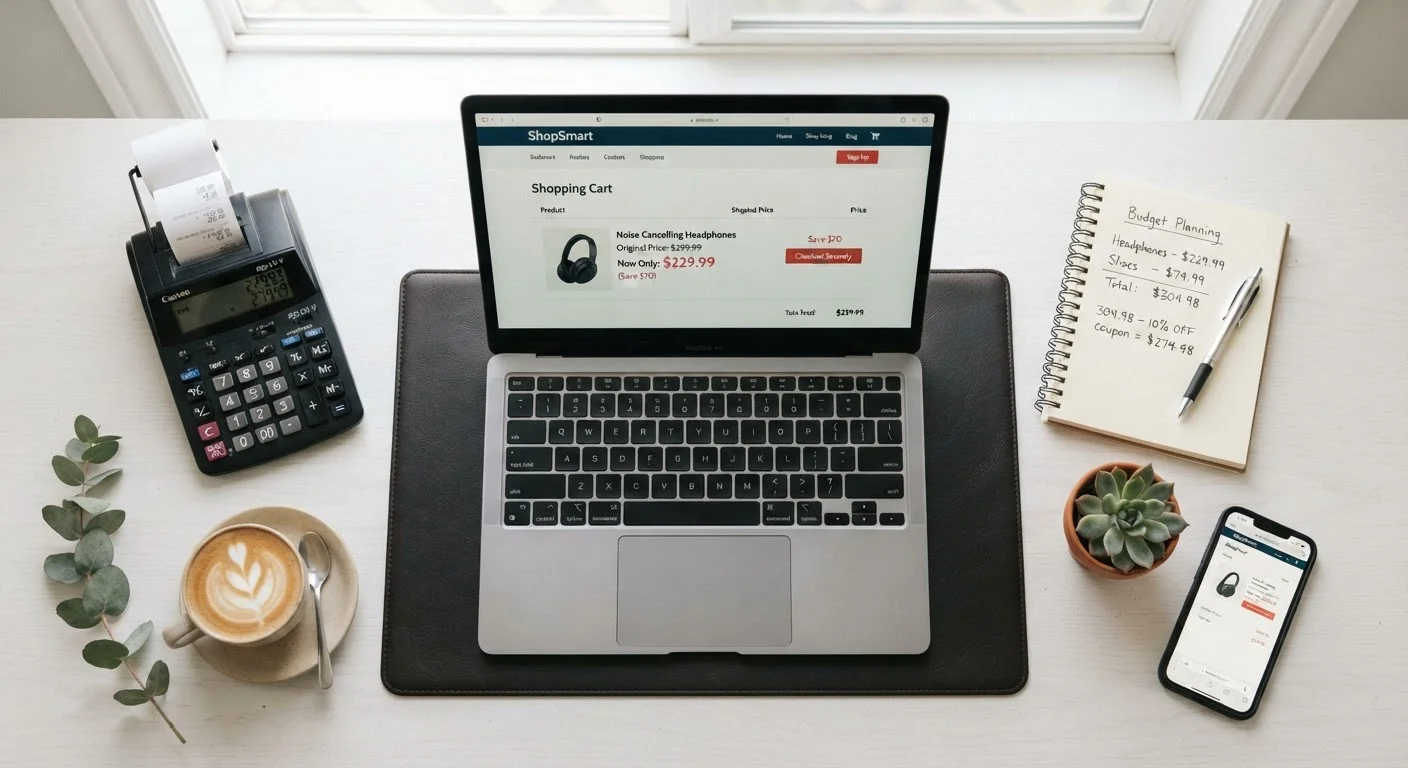
Every online discount starts with two numbers: a reference price and a sale price. The reference price, usually shown with a strikethrough, is meant to signal what you would normally pay. The sale price is what the retailer wants you to pay now. The gap between them is the advertised saving.
The structure is straightforward, but the reference price is where things get complicated. Retailers set that number in several ways. Some use the item's manufacturer suggested retail price (MSRP), which is a list price manufacturers publish but that few retailers actually charge consistently. Others use the highest price they have ever listed the item for, even if it sold at that level for only a few days. A smaller number of retailers use a genuine average selling price as the benchmark.
The practical result is that two identical percentage discounts can represent very different amounts of real savings depending on how the original price was set. A 40% discount off an inflated reference price may leave you paying more than a competitor's everyday price for the same item.
MSRP versus actual selling price
Manufacturer suggested retail price (MSRP) is a number set by the manufacturer, not the retailer. Most retailers do not sell at MSRP consistently, so using it as a reference price for a 'discount' can be misleading. When you see a sale price compared against MSRP, treat that comparison with skepticism and check what the item actually sells for across multiple platforms.
What inflated reference prices look like
An inflated reference price is one that was never a realistic market price for the item. It may have been listed briefly at launch, applied only to one size or color variant, or published but never actually charged at checkout. Because most shoppers do not track pricing history, the strikethrough number is taken at face value.
This practice is widespread enough that several states have pursued regulatory action against retailers for deceptive reference pricing, and the FTC's guidelines specifically address the use of former prices in advertising. However, online retail moves fast and enforcement has not kept pace with the scale of the problem.
Price history tools make this concrete. If an item shows a current sale price of $45 off a $90 original, but the price history chart shows the item has sold at $49 or less for most of the past year, the reference price of $90 does not reflect reality. You can see this pattern with how flash sales often work, where inflated anchors are common.
87%
Products with inflated reference prices
A 2014 analysis by researchers at Northeastern University found that roughly 87% of products on a major US retail platform had reference prices that did not reflect genuine prior selling prices.
60 seconds
Time needed for a price history check
Most price-tracking browser extensions display a full price history chart within seconds of loading a product page, according to extension developer documentation.
How to verify a deal quickly
Price history browser extensions pull public pricing data for many major retailers and display a chart of what the item has sold for over the past 30, 60, or 90 days. Installing one takes a few minutes and the check itself adds seconds to any purchase decision. You do not need to compare dozens of sites manually.
Beyond price history, a few other signals are worth a look. Check whether the same item is available on other platforms and at what price. Look at the sale's end date: a discount that resets to the same price next week is a permanent feature of how the item is sold, not a limited event. Review the return policy before purchasing, particularly if the sale price feels unusually low.
For a structured pre-purchase routine, see the pre-order checklist that covers price, seller credibility, and delivery terms together. If you want to understand discount label terminology in more detail, what retail discount labels actually mean explains the difference between clearance, markdown, and rollback pricing.
Urgency cues and what they actually signal
Countdown timers, low-stock warnings, and 'X people are viewing this' notices are designed to compress the time you spend evaluating a purchase. They work because time pressure reduces the likelihood of comparison shopping. None of these cues confirm the underlying price is a genuine discount.
A countdown timer tells you when the price is scheduled to change, nothing more. If the item returns to the same 'sale' price after the timer resets, the urgency was cosmetic. Low-stock warnings are sometimes real and sometimes displayed even when inventory is plentiful, as they are generated automatically by retail software thresholds rather than by actual scarcity.
Slowing down by 60 seconds to check the price history neutralizes most urgency tactics. If the price is genuinely good, it will still look good after a brief pause. If the check shows the 'sale' price is where the item usually sits, you have saved yourself from a purchase based on manufactured pressure. This connects directly to the broader myths that cost shoppers money, where urgency is one of the most persistent traps.