How these tools fit into a busy household's shopping routine
Price-checking browser extensions do one thing well: they reduce the number of steps between landing on a product page and knowing whether you are paying a reasonable price. For households managing grocery runs, school supplies, and home goods all at once, that reduction in friction is the actual value, not the savings amount on any single item.
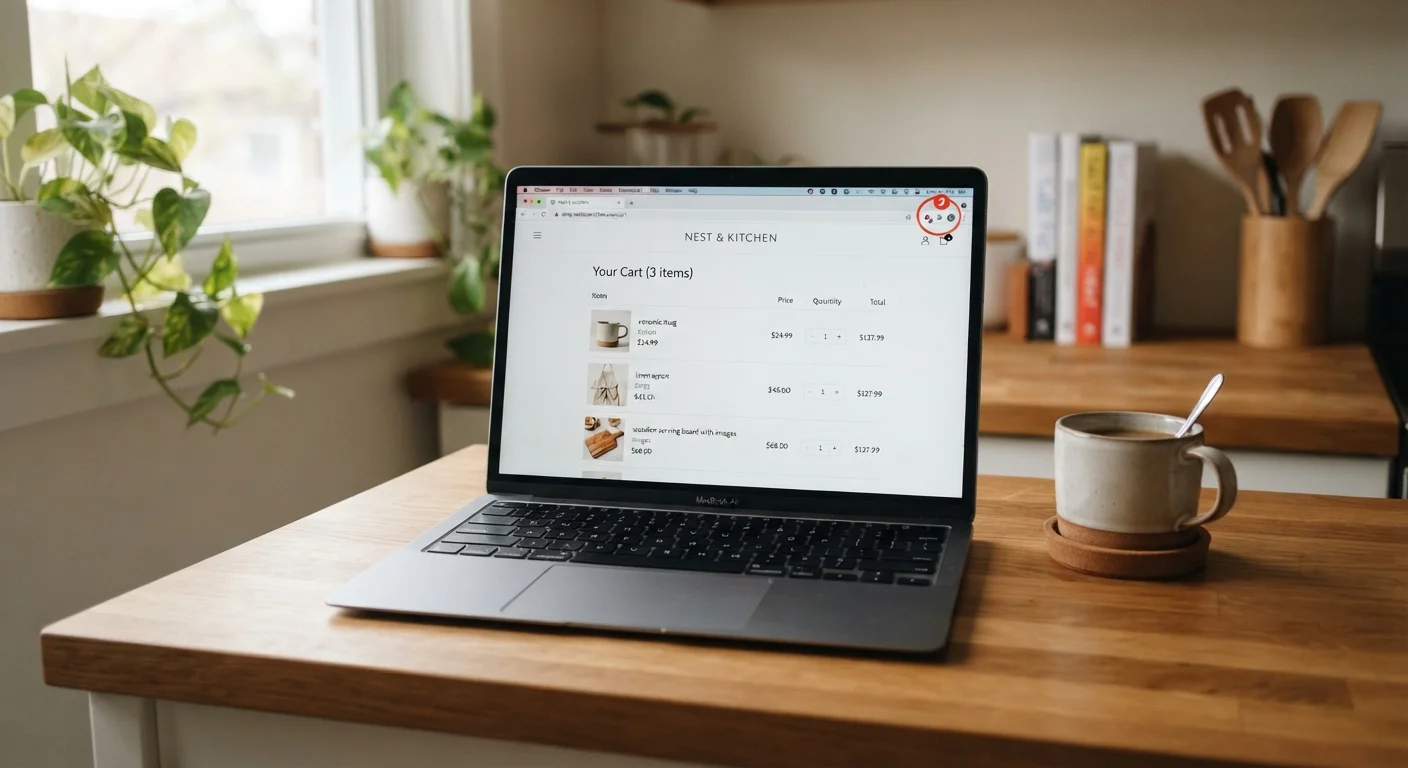
The tools are passive by design. You browse as normal, and the extension surfaces relevant data without requiring you to open a separate service or remember to check. That passivity is also where the trade-offs appear: the extension is running continuously, reading pages you visit, and sending data back to its servers. Understanding what each tool actually does makes it easier to use these tools deliberately rather than just accumulating them.
The list below covers the six functional areas where these extensions help (or fall short), so you can decide which capabilities are worth having active on your browser.
Automatic price comparison across retailers
The core function of most shopping extensions is comparing the current page price against the same or equivalent product at other retailers in real time. When you land on a product page, the extension queries a database of retailers and displays the lowest price it finds, usually in a small overlay or sidebar. This saves the manual step of opening multiple tabs and copying product names into search bars.
The accuracy depends on how well the extension matches products. Matching by ISBN or UPC works well for books, media, and boxed goods. For clothing or items with multiple configurations, matches can be imprecise, so check that the linked product is actually the same spec before assuming the price comparison is valid.
Matching by UPC works well for boxed goods, but clothing comparisons need a manual check.
Historical price tracking and price drop alerts
Several extensions record the price history of a product over weeks or months and display that data as a chart directly on the product page. This lets you see whether today's price is the lowest it has been recently or whether it spiked just before a promotional event to make a modest discount look larger than it is.
Alert features let you set a target price. Once the price drops to that level, you get an email or browser notification. For non-urgent purchases, this is one of the more practical ways to shop without spending time actively watching listings. The companion article on setting up deal alerts and price trackers covers how to build out this kind of system more broadly.
Price history charts reveal whether a 'sale' price is genuinely low or a temporary markup reversed.
Automatic coupon code testing at checkout
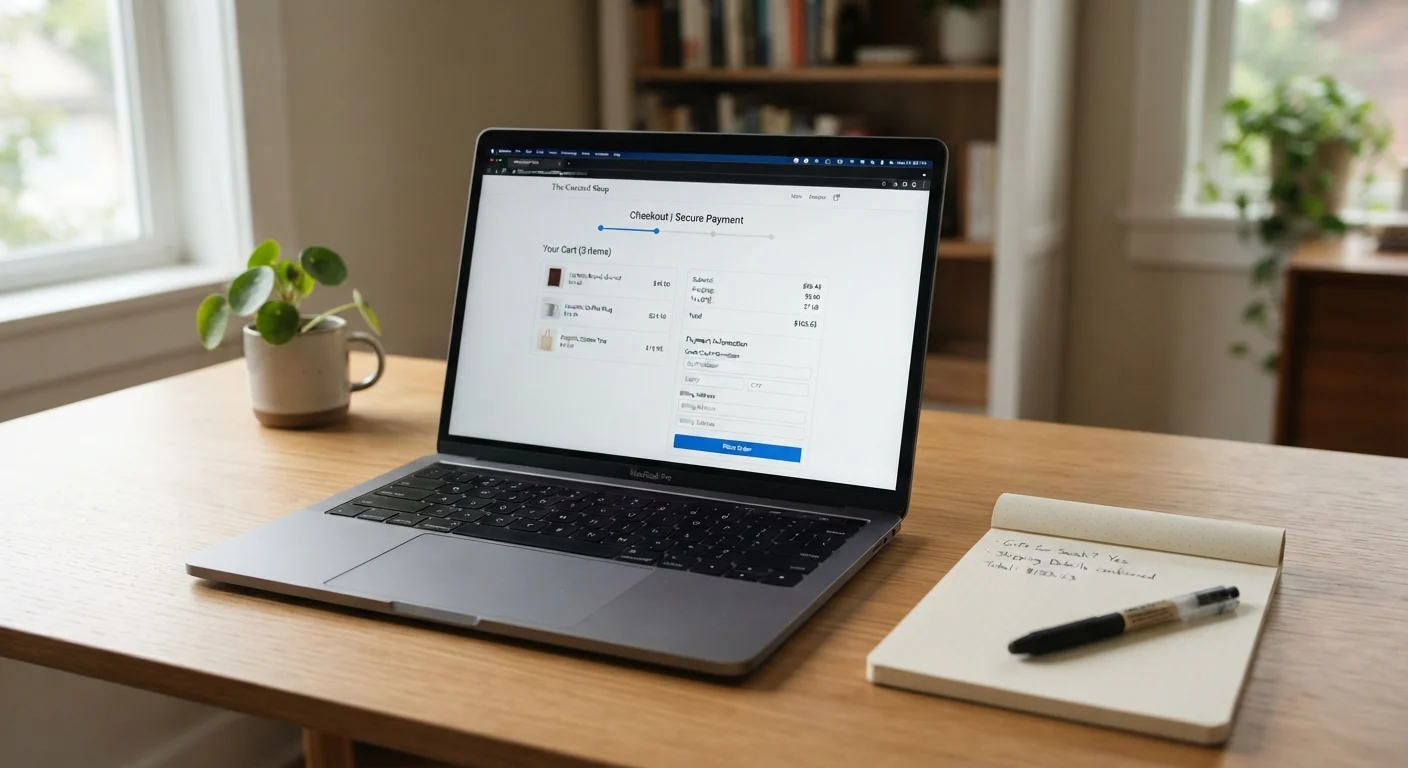
Some extensions attempt to apply coupon codes automatically when you reach a checkout page. They cycle through a list of codes and apply whichever one produces the largest discount, then report the result. When this works, it requires no effort on your part.
The reliability varies considerably. Code databases are not always current, and some extensions surface codes that have already expired or that apply only to first-time orders. A code that fails silently can occasionally clear a field you filled in yourself. For a broader look at how coupon tools compare to cashback options in practice, see what actually works across common savings tools.
Auto-applied codes save real money when they work, but expired codes occasionally interfere with your checkout.
Privacy and data collection trade-offs
Price-checking extensions function by reading the URLs and product data on pages you visit. That data goes to the extension provider's servers to run comparisons. Most major tools disclose this in their privacy policies, but the scope of data collected varies. Some share anonymized purchase data with retail partners or use browsing history to target ads elsewhere.
Before installing any extension, review the permissions it requests during installation and read the privacy policy summary. Limit your installed extensions to those you actively use. Removing extensions you no longer need reduces your ongoing data exposure. This is particularly worth thinking through for a shared family computer where multiple household members browse.
Extensions read the pages you visit; checking the permissions list before installing takes under two minutes.
Managing multiple extensions without conflicts
Running several shopping extensions simultaneously is common, but it creates problems. Two extensions offering different coupon codes at checkout can interfere with each other. Overlapping price alerts can produce duplicate notifications for the same product. On slower machines or with many tabs open, multiple active extensions can noticeably affect browser performance.
A practical approach is to pick one extension for price comparison and one for coupon application, then disable the others. Most browsers let you disable extensions without uninstalling them, so you can turn tools on for a specific shopping session and off afterward. Before confirming any order, the pre-purchase checklist in Before You Click Buy is a useful final step regardless of which tools you use.
Two competing coupon extensions at checkout often cancel each other out rather than doubling your savings.
Knowing when the tool is not enough
Extensions work best on high-traffic retail categories: electronics, household goods, books, and mass-market clothing. For niche products, handmade items, locally sourced goods, or anything with limited online retail coverage, the comparison database may return no results or unreliable matches. In those cases, a targeted search is faster than waiting for an extension to populate.
Extensions also cannot assess seller reputation, return policies, or whether a third-party seller on a marketplace is reliable. Checking those factors manually remains necessary. For context on how price monitoring fits alongside patience-based approaches to saving, price tracking versus waiting for sales walks through both methods.
Extensions cover mass-market retail well; niche or local products still need a manual search.
Getting the most from what you install
Extensions work per browser, not per device
An extension installed in Chrome on your laptop will not carry over to Safari on your phone or a different browser profile. If your household shops across multiple devices or browsers, each one needs to be configured separately. Some extension providers offer companion mobile apps that replicate parts of the functionality, though the feature set is often more limited than the desktop version.
A leaner setup tends to work better than installing every available tool. Pick the one or two capabilities that match how your household actually shops, configure them once, and leave the rest uninstalled. For most families, a price history tool covers the majority of use cases because it addresses the single biggest question at any checkout: is this price actually worth acting on now, or should I wait?
Combining extension data with a quick review of return policies and seller credibility before confirming an order closes most of the remaining gaps. The pre-purchase savings check covers those final steps in a format that takes under a minute to run through.