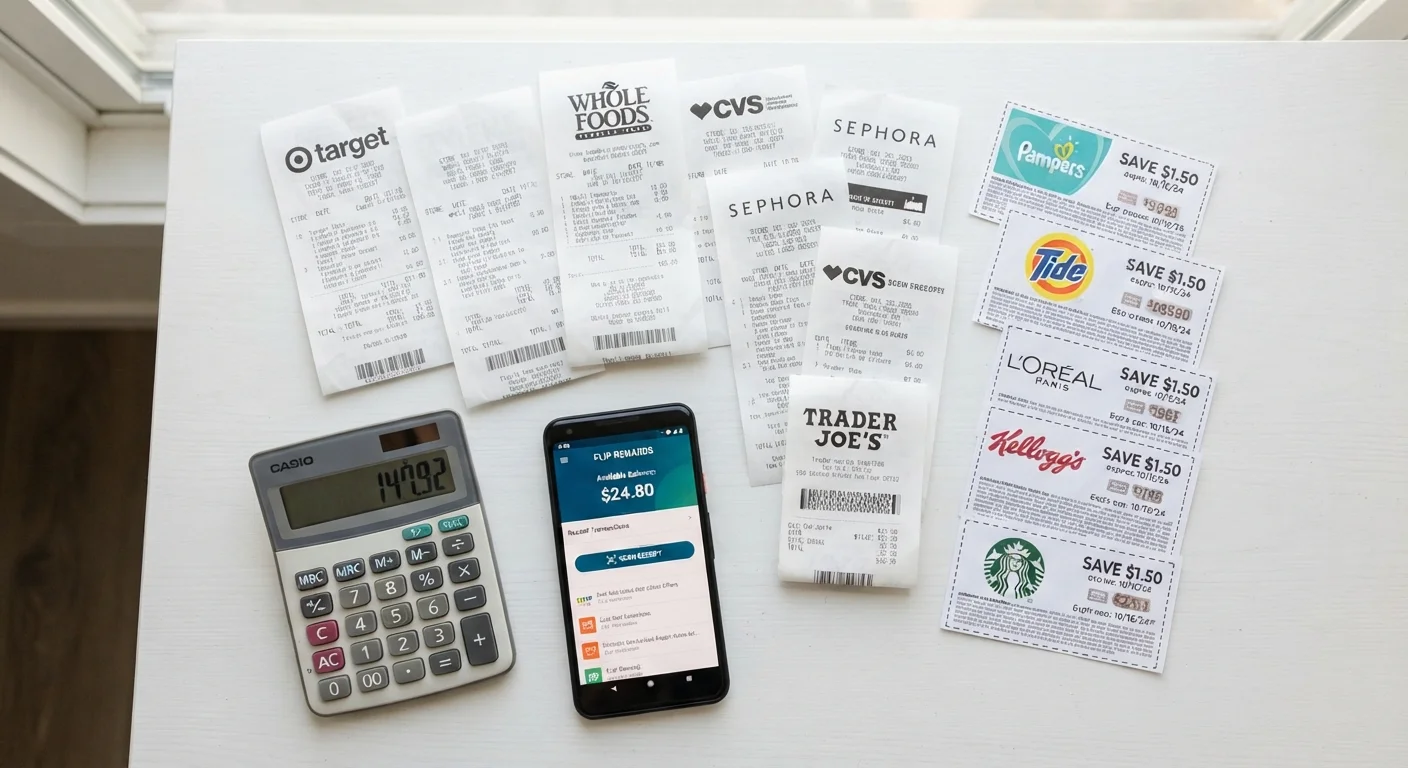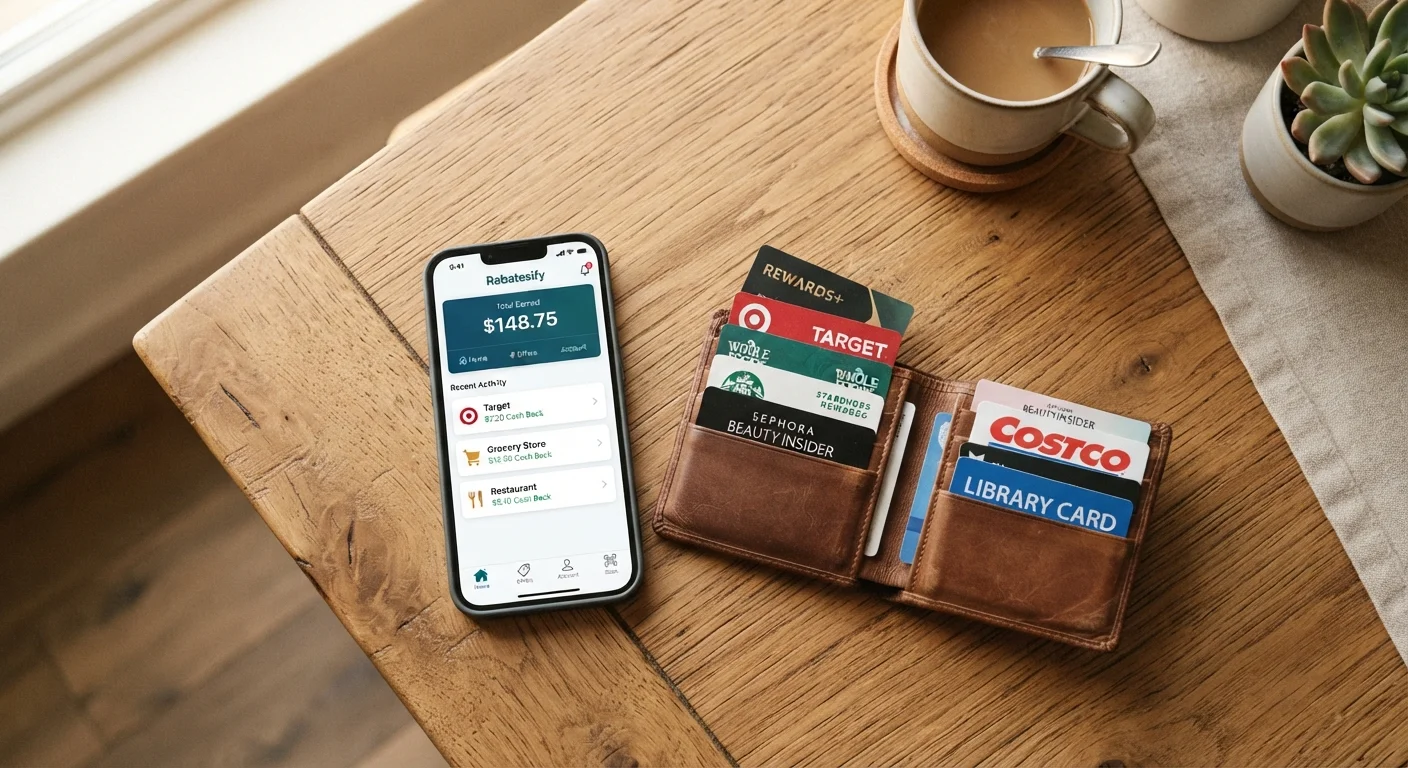
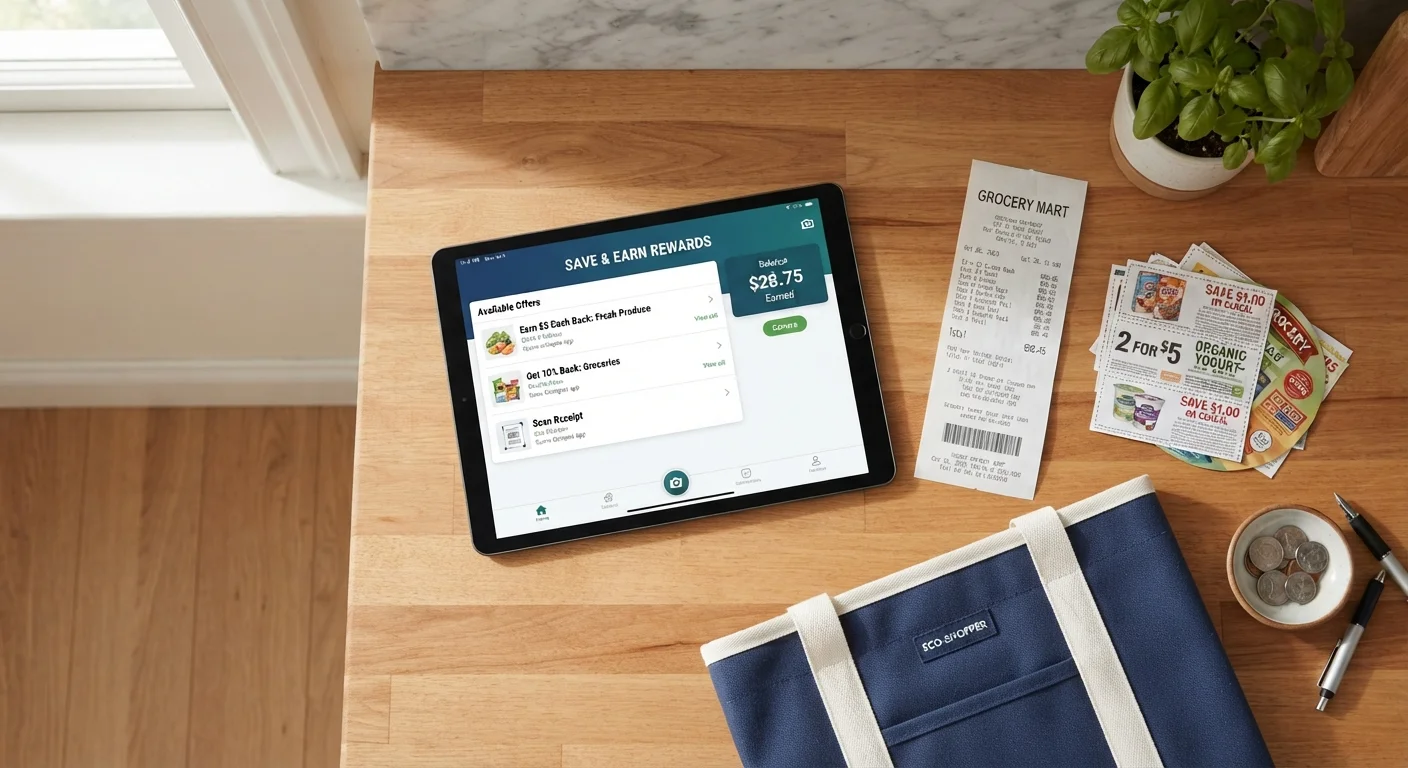
Why stacking works and when it doesn't
Most families use one savings method at a time: clip a coupon, or wait for a sale, or open a cashback app. The real savings come from using all three at once on the same item. This is called stacking, and it's allowed more often than shoppers assume.
The logic is straightforward. A manufacturer coupon reduces the shelf price. A store sale reduces it further. A cashback app then calculates its rebate on whatever you paid at checkout, or sometimes on the original item price. Each layer operates independently, so the discounts don't cancel each other out.
Where stacking breaks down is when a retailer explicitly restricts it. Some stores bar the use of a digital coupon alongside a paper coupon on the same item. Others exclude sale items from loyalty-program point accrual. The common traps when combining discounts are worth reviewing before you build a habit around any specific method, because policies change without announcement.
The practical rule: check the fine print on each coupon and the cashback app's terms for any item you plan to stack. A 30-second scan at home prevents a longer conversation at the register.
Start with your highest-spend categories
Stacking yields the most noticeable results on items you buy in volume: household paper products, laundry supplies, and pantry staples. These categories also tend to have the widest availability of manufacturer coupons and cashback offers, making them the fastest place to build a working routine. Once the habit is set for these items, extending it to other categories takes little additional effort.
What you need before you start
Stacking doesn't require specialized tools, but having the right ones in place before you shop removes the friction that causes most families to skip it.
What you will need
If you're still figuring out which cashback tools suit your household's actual spending patterns, the comparison in cashback apps versus store loyalty cards can help you decide where to focus first. For families short on screen time, setting up automated deal alerts is a practical way to get notified without active hunting.
How to stack savings step by step
The process below takes less time once it becomes a weekly habit. The first few runs will feel slower as you learn where each tool lives and what it covers.
Pull up this week's sale circular
Before writing your shopping list, open your store's app or website and look at the current weekly circular. Note which items on your regular list are on sale. These become your stacking candidates because the savings floor is already lower than the shelf price.
Retailers follow fairly predictable discount cycles, typically rotating categories every four to six weeks. Over a few months you can anticipate when staples like canned goods, cleaning supplies, or protein will hit their lowest price points.
Match coupons to sale items
Open your store's loyalty app and check the digital coupon section. Load any coupons that match your sale items. Then check a manufacturer coupon source for printable or clippable coupons covering the same products.
The goal is to find items where both a store coupon and a manufacturer coupon apply simultaneously. Many retailers allow this combination, but check the coupon language: a coupon that says "one coupon per purchase" may limit you to one type per transaction.
Check cashback app offers before you leave home
Open your cashback app and search for the items on your list. Activate any matching offers, since most apps require activation before purchase rather than after. Some apps also have a receipt-scan model that doesn't require pre-activation, but activating in advance removes any ambiguity.
Cashback rebates are typically processed within a few days to a few weeks of submitting your receipt or linking your loyalty account. The rebate amount is usually a fixed dollar amount or a percentage of the purchase price, applied after any in-store discounts.
Verify stacking is permitted for your specific items
Before checkout, confirm that the retailer allows the combination you've assembled. The easiest way is to read the coupon exclusions and check the store's coupon policy page, usually found under the help or FAQ section of the store's website.
Pay attention to phrases like "not valid with other offers", "excludes items already on sale", or "limit one per household". If a coupon and a sale price can't combine, prioritize whichever discount is larger and note the restriction for future trips.
Complete the purchase and submit your receipt
At checkout, make sure your loyalty account is scanned or your phone number is entered before payment so all linked digital coupons apply. Pay with any card linked to a cashback app that uses automatic account linking, or keep your receipt for manual submission if your app requires it.
After the transaction, confirm the in-store discounts appeared correctly on your receipt before leaving the store. Submit your receipt to any apps that require it within the required window, which varies by app but is commonly 24 to 48 hours.
For a broader look at how this fits into a sustainable shopping routine, structuring your household shopping habits walks through the full weekly system.
This article is for general informational purposes only and does not constitute financial advice. Savings outcomes vary based on individual spending habits, retailer policies, and available offers. Always verify coupon and cashback terms directly with the retailer or app provider before purchase.